Displaying 3D polygon animations
3D Graphics Pipe Line
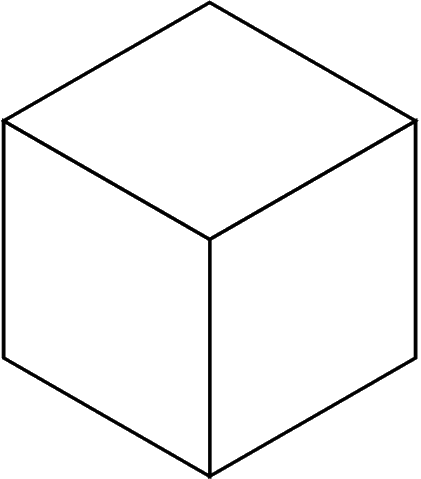
The graphics pipeline starts of with modeling or design of creating a product. When we are modelling we model in 3D space which is called cartesien space which was invented by Rene Descartes who was a mathmetician. When we are modelling we use basic geometric shapes for example sphere’s, cube’s, cylinder and pyramids which are called standard primitaive’s. All shapes when they are first made are wire frames and have no colour so the next step is texturing. When we are adding texture there lots of different options for example Colour, Bump, Normal, Spectacular, Mask and overlay.
Light come’s in different forms for example a point source light which is just a single light which points down, area light which shoots light rays in different directions, diffuse lights which is similar to fog where the light gets diffused.
Xform groups is a way of having control of lots of objects which can also be called instancing which is cloning your objects.
Behavioral programming is where someone creates and object and copys real life activity from e.g. birds and animals etc to move the same way, but there is also ways to mix it up by using complex coding.
Rendering
Rendering, taking pictures of the objects in our world. The first we need for a render is a camera to show the render, we render objects to what they would look like. A camera does the same thing as you looking at your screen at the image because it focuses on a certain point in your scene and and shows it on a screen in 2D. This is done by a z-buffer which is used to render 3d objects on a 2d image plane, and decides how objects get displayed by proximity to the 2d stage. In rendering we have radiosity which allows more blowing enviroments. Ray tracing is used to get more metalic and shinny effects which is done by the ray of light bouncing round the scene which gets better reflections and shadows, it used mainly with highly refelctive surfaces.
 Tombev's Blog